From Skeptic to User: 6 AI Tools I've Integrated Into My Design Workflow
Insight
Jan 15, 2026
Almost a year ago, I began writing a full-on rant on my opinions regarding the use of AI in the design industry. I got through an introduction before getting busy with tasks and responsibilities. Frankly, I’m glad that I never got through that initial blog post. AI technologies have evolved so much in the last 12 months that I cannot say I have the same opinions that I had when I started writing that post. But as I spent the winter break cleaning things up and adding recent projects to my portfolio, I came across that abandoned draft, and I figured it would be as good a time as any to pick it up and reframe it.
Now, just to be clear, I’m not an expert in this field; my expertise is in design. That said, I have been using 2025 to test and try various AI offerings to see which can work best with my workflow. So, without claiming any expertise, this list is my personal AI tool belt; tools that I have run through their courses to see how well they can work within my workflow. Having shifted in the AI spectrum from skeptical to cautious adopter, perhaps this list can help someone in the design field move from one side of the spectrum to the other as well. In no particular order, here are the tools I’m currently using.
The Tools
Claude by Anthropic
To use an archaic—and perhaps problematic—analogy, if ChatGPT is the pretty girl at the dance, then Claude is the “nerdy” girl who is only considered undesirable because she is wearing coke bottle glasses and her hair is up. Depending on where you look, ChatGPT holds about 60% of the public market, with an estimated active user base of 800 million weekly users. By comparison, Anthropic’s Claude holds about 3% of the public market, with about 30 million monthly users. As one of the first players in the game, it makes sense that OpenAI would hold the spot at #1 with their models, and if you keep up with AI news, you are well aware that Sam Altman is AI’s greatest hypeman. But out of the highly questionable environment of OpenAI, several researchers started Anthropic and have produced the models that make Claude work. Their emphasis on transparent and ethical research was what first led me to decide on using Claude over ChatGPT.
After watching Jeremy Utley, an adjunct professor at Stanford University, discuss how he teaches his students to utilize AI chatbots as their personal assistants, it suddenly made sense to me that I could very much do the same. I don’t know any designer who enjoys invoicing, accounting, and doing other admin tasks. So why not put AI to work on these types of tasks for me?
To get in the weeds a bit, Anthropic actually developed a tool, the Model Context Protocol (MCP), that they made open source so that not only Claude, but all other models, even from their competition, could connect with public APIs from well-established services, leading to a cleaner agentic AI approach where an established standard could be followed by everyone. Think about it similarly to how a few years ago, devices used a different port and connection, making things difficult and messy. With the adoption of USB-C as a standard port, everyone benefits.
I now use Claude as the brains of a system that utilizes Notion, Square, Gmail (and other Google services), and Zapier to manage my freelance business. I’m able to have Claude communicate securely with these tools to track my projects, invoice my clients, and keep my whole business organized. Having Claude make recommendations on my schedule based on due dates, priorities, and difficulty of tasks keeps my easily distracted mind on task. Having Claude interpret my client’s feedback emails and automatically create feedback entries for my active projects has allowed me to move away from scrolling back and forth through multiple emails when working through feedback. And when it comes to creative work, having a tool I can brainstorm with has reduced my long brainstorming sessions from hours to minutes.
I honestly couldn’t recommend utilizing Claude as a personal assistant more. It’s fully changed the way I manage my freelance work. And because Claude is far less likely to hallucinate or make mistakes than ChatGPT, I feel confident that I can trust most of the work that it does for me.
Florafauna.ai
Right before the beginning of summer 2025, I started using a service from site called Visual Electric. It was a service that combined various generative AI tools for the purpose of generating images. Laid out more like a canvas than a chat box, it was a visually pleasing way to work with generative AI for design projects. And yes, I have been using generative AI in my projects. 2024 David would have likely been ashamed of present-day David, but I’ve come to understand a pivotal truth when using generative AI tools: art direction is everything. If you expect the generative AI tool, regardless of which one you are using, to do all of the work for you, it will spit out results that will look dull and quintessentially “AI”. That’s where Visual Electric succeeded. It allowed for more powerful art direction when prompting various models to generate the image you were looking for. The UI and tools it provided were clearly made for designers. Unfortunately, as is common with emerging technologies, Visual Electric was purchased by Perplexity, and they shut down the service as it stood. This is where Florafauna.ai came into my workflow. Though it is not an exact replica of Visual Electric’s clean and design-oriented canvas, it equally provides access to 40+ AI models for text, image, and video generation, including access to Google’s Nano Banana, and Kling’s 2.1 Master video generation model. Utilizing a node-oriented interface and an infinite canvas, the tool takes a little more getting used to than Visual Electric did, but it still allows you to carefully dial in your art-directed prompts. Rather than paying for several models from different services, I can pay for a lump sum of tokens that can be used on the different models, with each model providing an estimate of the amount of tokens required for each prompt.
Image generation has improved dramatically in the last year. And while, in my opinion, video still has some way’s to go, these tools are becoming more and more a part of my workflow. Whether that’s saving me time in gathering complimentary photography for a project or a mood board, or creating illustrated assets that I can then bring into Adobe Illustrator or Photoshop to clean up and utilize professionally. For high-end projects where the photography or the illustration work needs to shine, I would still hold off on leading with AI generated images. But for quick-turn around work or complimentary assets, Florafauna.ai has become a basic tool in my tool belt.
Topaz Labs’ Gigapixel
Working in the sadly moribund industry of weekly print newspapers, when it comes to courtesy art for a story, beggars can’t be choosers. Most subjects will not have high-resolution, print-appropriate photography or graphics, and you can expect even less from advertisers. So when you receive a web-compressed logo or a cell-phone image that has been compressed over and over again via text message sharing, you used to be at the mercy of the pixels. But with Topaz Labs’ Gigapixel, an AI-assisted upscaling tool, almost any image provided can now technically work. Gigapixel does an incredible job of upscaling while maintaining fidelity, especially around faces. There are definitely still occasions where textures from highly compressed photos will upscale with a distinct “AI plastic” aesthetic, but generally speaking, I have mostly been impressed at how well it handles tough images. Photoshop’s upscaling tools would allow you to push an image by a small percentage. Gigapixel can upscale up to 4x without turning the image into a watercolor illustration of pixels.
I must provide a caveat here. Topaz Labs recently moved to a subscription model, which does change the value proposition a bit. Regardless, it is still leading the charge when it comes to image upscaling.
Framer
In a similar fashion to other apps, Framer has been injecting AI features to it’s tool all year long. Their initial attempt involved auto generating templates, which was eventually scrapped. But the two features that have stuck around, and have become a part of my workflow, are Wireframer and Workshop.
Wireframer replaced my need to pay for a different service, like Relume, for quickly generating wireframes for websites. An often tedious and relatively boring process of web design, building wireframes allows for better communication with a client when you are building a website from scratch. Framer’s Wireframer integrates seamlessly and allows you to quickly iterate a basic “skeleton” for your site. Because it’s all generated in your canvas, you can quickly convert those assets into frames and stacks that will function as your final website, saving you time in the process. I will say that after using it several times, it can sometimes miss the mark quite a bit. But my workflow has consisted of working with Claude to develop a siteplan and then have it generate the prompt that I can provide for Wireframer to use, inherently getting two robots to talk to each other.
Workshop is Framer’s answer to “vibecoding.” While so much of what Framer offers requires practically no knowledge of code, there are components and features that can only really be made with custom code. That’s where Workshop comes in. Using Claude and ChatGPT as it’s source models, Workshop allows you to describe the component that you are envisioning, provide instructions for functionality and control, and wait and watch as a fully functioning component suddenly appears on your canvas. It is definitely quite impressive, and after having used it several times, I am still amazed at what you can do with just a few prompts. It still struggles and creates several code errors, but once again, with the help of Claude on my desktop, I can have it double-check Workshop’s work and provide insight into errors that it might not be able to fix on it’s own. Vibecoding feels a lot like alchemy. It’s not science, and it isn’t precise. It’s a creative mess that can result in incredible results, but you have to have the mindset that you are going to struggle with it for a while.
MyMind
You know how Pinterest became an endless pit of advertisements and algorithmic garbage? Well, MyMind became my escape from Pinterest. I, like just about all of us, spend plenty of time scrolling through various services looking for inspiration for my design work. Sometimes, that inspiration comes when I’m not even looking for it. MyMind has become my way of collecting all of that information into a place that I can look through without the annoyance of ads. But the best part is, with a little AI magic, it automatically tags and categorizes each image, video, note, website, or any other asset that I save on it. This allows me to later on use the MyMind search feature to find references based on what I want to see. So let’s say that I came across a collage image that I really liked and I saved it to MyMind. Four weeks later, though that reference is now buried beneath many other references, I don’t have to scroll to search for it, I can simply search for “collages” and watch as the app canvas becomes sorted to only display collages. The same can be true for colors, in the case that I am looking for images that contain a specific color, it can provide results based on the tags it automatically assigned to the image. Because of this, it has become a repository for all of my visual inspiration.
Adobe Photoshop
As I mentioned above, just about every app has been injecting AI features into its tools. And Adobe, being Adobe, is no less guilty of this. A large portion of those features are, in my opinion, not ready for primetime. Illustrator’s generative vector prompting is more of a miss than a hit. Adobe’s Firefly model makes everything look like a CG cartoon. And Photoshop’s generative upscale tools tend to result in unnecessary changes to the original image.
That said, I can’t lie and state that I don’t use Photoshop’s generative fill all the time. As someone who learned to manually fill in areas or use the clipping tool to fix parts of photos that needed to be fixed, I’m always impressed by the generative fill results. There are certainly times when it still fails dramatically, but a few more prompts later, and it will generally provide good enough results.
This year’s Adobe MAX showcased some truly impressive demos. I must admit that I’m excited to see what comes from those projects and which prototypes end up making it into the main branch of the Adobe apps. 2026 is bound to be exciting for designers.
Final Thoughts
As a designer in an ever-changing industry, my solution to maintaining relevance has been building a tool belt that provides me with a wide range of skills. These are the AI tools I use regularly and have adopted into that tool belt. Some I use every day, some I use every once in a while, but all are used with intentionality and purpose.
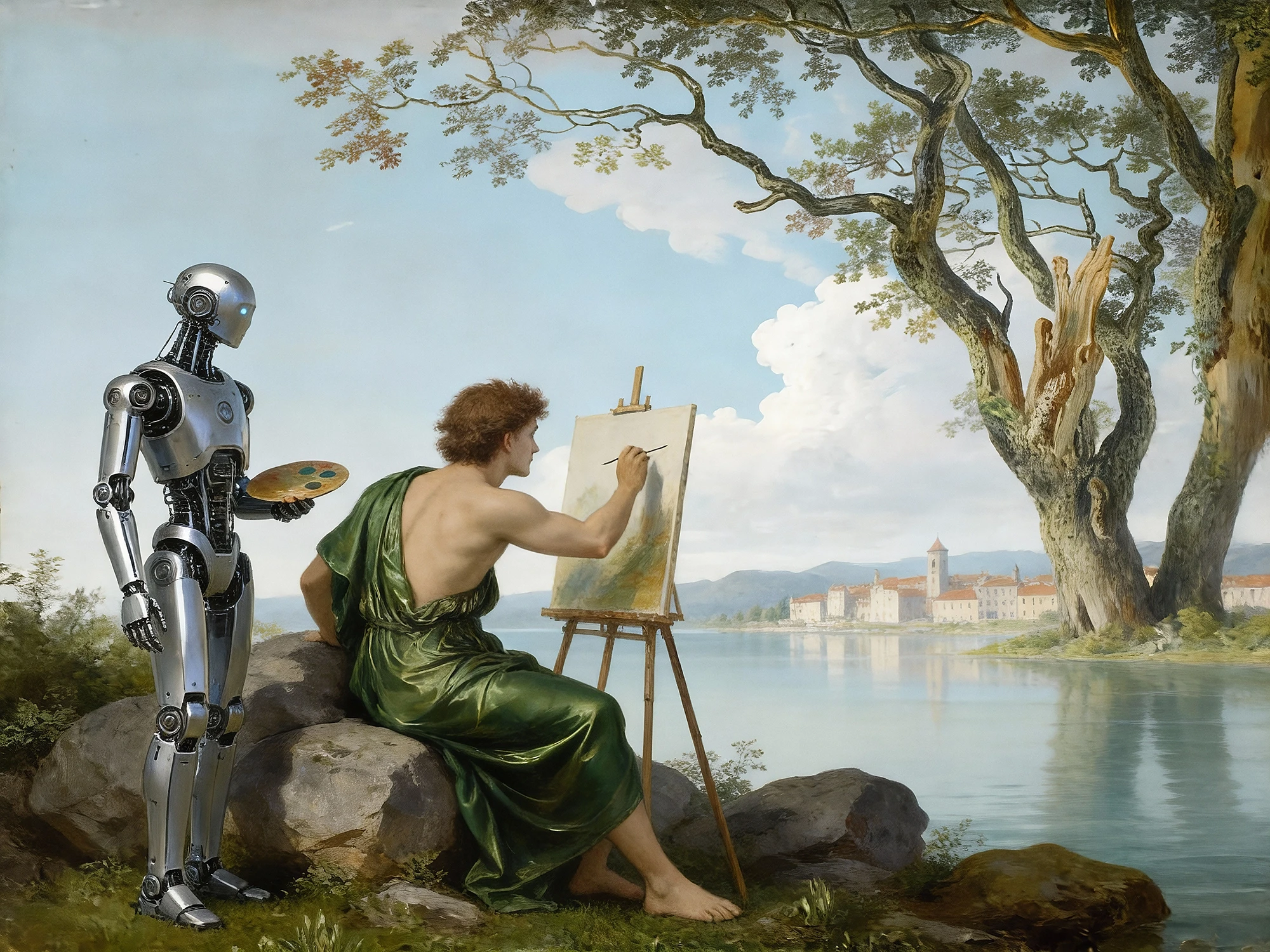
I’m not convinced anymore by the claims of AI bros. And the AI bubble pop is looming ever closer every day. I do believe the design industry is shifting, and with the shift, many will feel displaced and lost. But if there’s one thing that I am now more convinced of than before I started to use these tools, it is that the human element has yet to be, and will likely never be replaced. Art direction, creativity, and problem-solving are the soft skills necessary to properly utilize AI tools in the design industry. So to all my design friends, don’t be afraid of the robot. Work with it, learn with it, and stay malleable.